
Block Editor Shortcuts
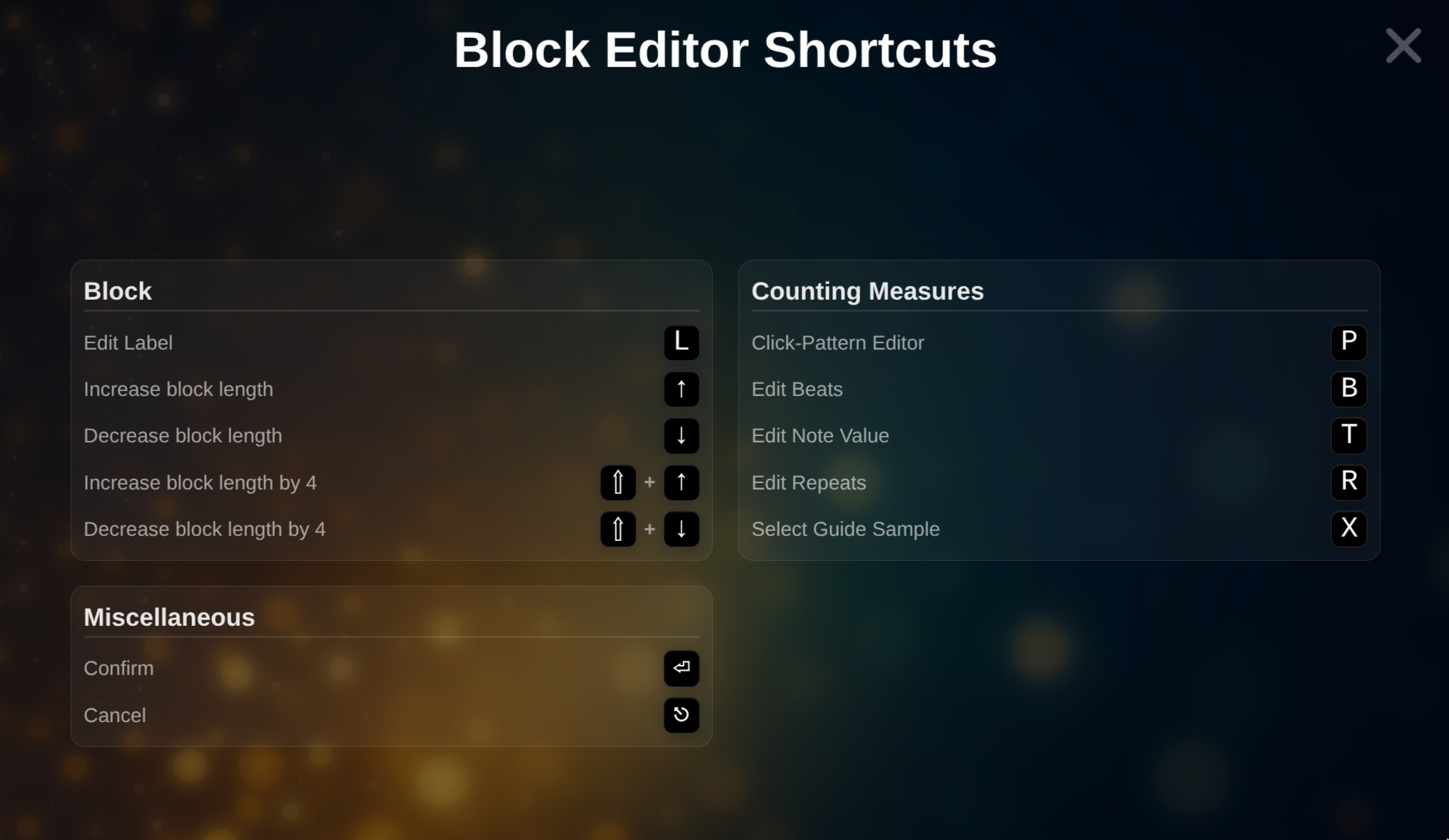 Block Editor Shortcut Overview
| Action | Key |
|---|---|
| Edit block label | L |
| Increase block length | ↑ |
| Decrease block length | ↓ |
| Increase block length (multiple) | Shift + ↑ |
| Decrease block length (multiple) | Shift + ↓ |
| Open Pattern Editor | P |
| Edit beats per bar | B |
| Edit note value | T |
| Edit bars / repeats | R |
| Edit guide sample | X |
| Confirm value | Enter |
| Cancel / close modal | Escape |
- H
Displays all keyboard shortcuts available in the current Block Editor context
See also
- Modal Interaction Rules – Enter/Escape apply app-wide
- Keyboard Shortcuts – for the full live Player workflow
- Click Pattern – P
- Time Signature – B / T
- Bars / Repeats – R
- Guides – X