
Presets
At the bottom of the editor you’ll find block presets.
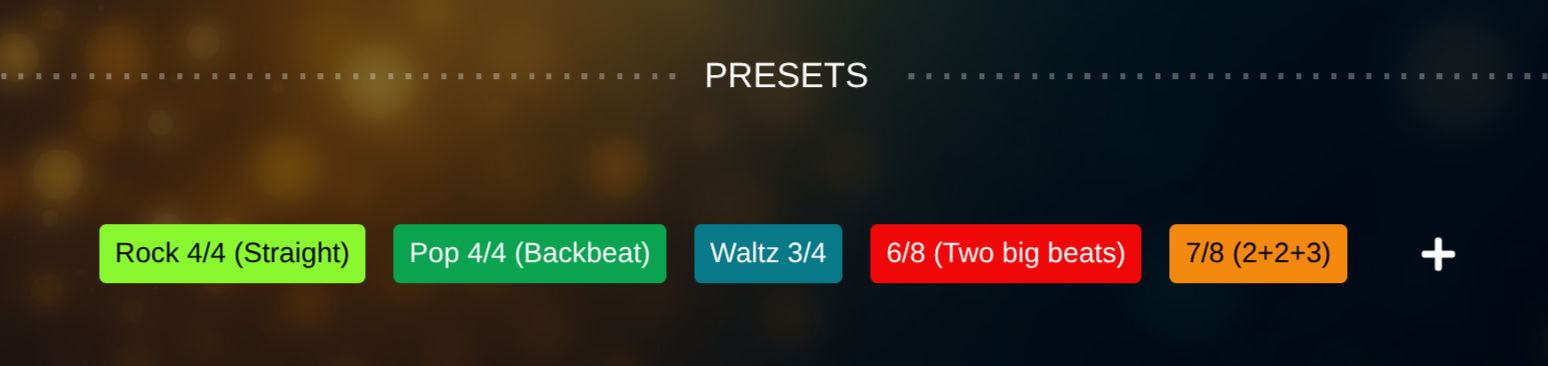 Block Presets
Using Presets
Section titled “Using Presets”- Clicking a preset applies it to the current block
- Presets include all block-related settings
This includes e.g. Time Signature, Bars / Repeats, Click Pattern, Guides, and Block Color.
Creating Presets
Section titled “Creating Presets”- Click “+” next to the preset list
- The current block configuration is saved as a new preset
Deleting Presets
Section titled “Deleting Presets”- Click a preset to select it
- A trash icon appears next to it
- Click the icon to delete the preset
- For safety, you need to confirm the deletion by clicking the checkmark
See also
- Free vs Pro – why presets are a typical Pro workflow booster